# Receive notifications via email or the notification center
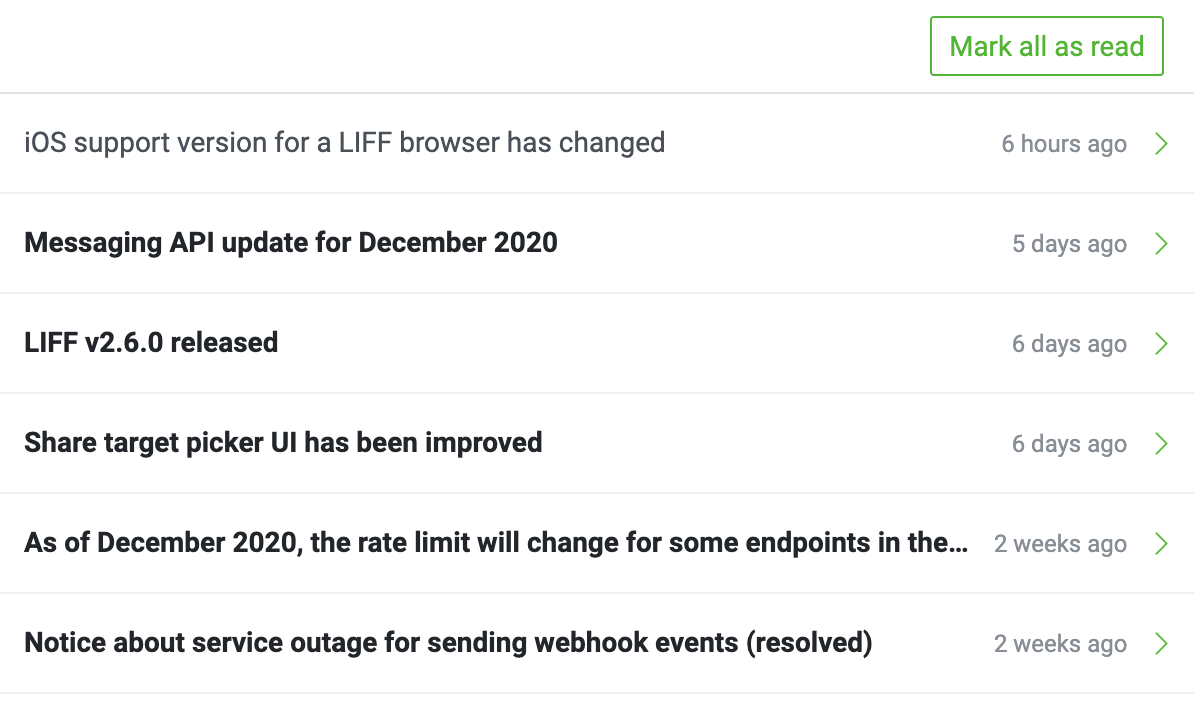
From the notifications center of the [LINE Developers Console](https://developers.line.biz/console/), you can receive various updates in real time. This page explains the types of notifications you can receive and how to configure the settings for receiving notifications.
## Types of notifications that can be received
You can receive the following types of notifications:
| Type of notifications | Overview |
| --- | --- |
| [Important announcements](https://developers.line.biz/en/docs/line-developers-console/notification/#notification-important-announcements) | Important announcements regarding the LINE Platform |
| [Activity](https://developers.line.biz/en/docs/line-developers-console/notification/#notification-activity) | Your activities on the LINE Developers Console |
| [News](https://developers.line.biz/en/docs/line-developers-console/notification/#notification-news) | Announcements from the LINE Developers site |
| [Channel activity](https://developers.line.biz/en/docs/line-developers-console/notification/#notification-channel-activity) | Activities related to channels that you have the admin role |
| [Provider activity](https://developers.line.biz/en/docs/line-developers-console/notification/#notification-provider-activity) | Activities related to providers that you have the admin role |
### Important announcements
Notifies you of important announcements regarding the LINE Platform.
Example: [Notice Concerning Use of Information in Connection with Group Restructuring (share target picker)](https://developers.line.biz/en/news/2023/09/21/notice-concerning-use-of-information-for-liff/)
### Activity
Notifies you of your activities on the LINE Developers Console. The following activities are notified.
| Type of operations | Activity detail |
| --- | --- |
| Operations related to the providers | - Create a provider
- Delete a provider
- Send an invitation email to join a provider
- Grant a provider role to your developer account
|
| Operations related to the channels | - Create a channel
- Delete a channel
- Send an invitation email to join a channel
- Grant a channel role to your developer account
|
### News
Notifies you of announcements from the LINE Developers site. When [news](https://developers.line.biz/en/news/) is published, the news title will be notified.
### Channel activity
Notifies you of activities related to the channels for which you have the admin role. The following activities are notified.
| Type of channels | Activity detail |
| --- | --- |
| Channels in general | - Delete a channel
- Add a new member to a channel
|
| LINE MINI App channels | - Channel status updates based on review
- Enable search for the LINE MINI App
- Automatically delete review files attached to the channel (when the review is complete or if the review is not requested even after 30 days of upload)
|
### Provider activity
Notifies you of activities related to the providers for which you have the admin role. The following activities are notified.
- Delete a provider
- Add a new member to a provider
## Configure notification types and reception methods
You can configure the types and reception methods of your notifications. Go to your profile in the LINE Developers Console and, in the **Settings** section, toggle the slider on (right) or off (left) next to the notification option to enable or disable that setting. Note that **Important announcements** can't be turned off.
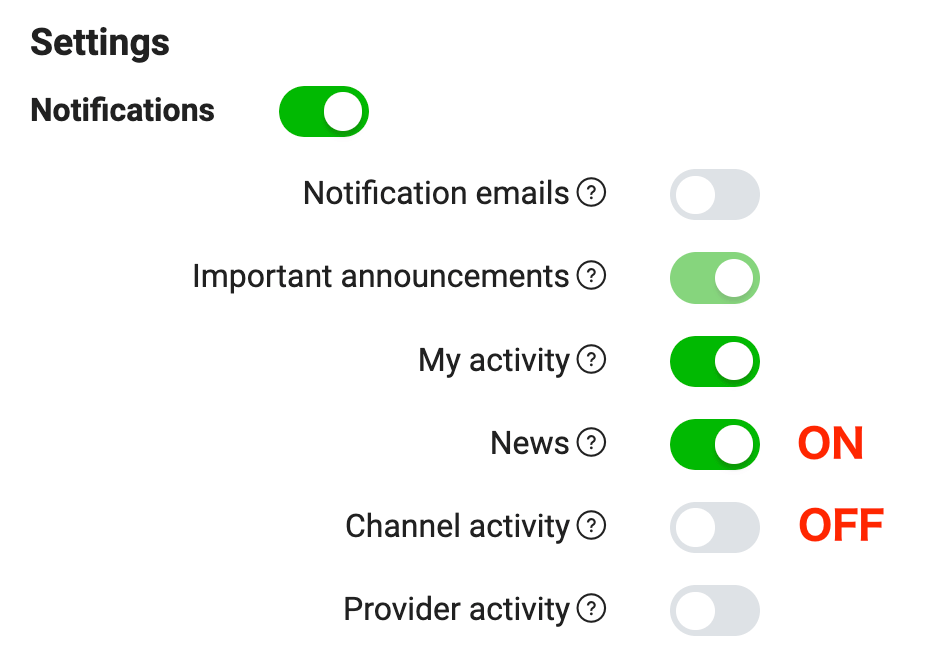
**Notification email**
Your email address registered in your LINE Developers Console profile must be verified to receive email notifications. If the email address in your profile is labeled as **Your email is not yet verified**, click on **Get Verification Link** to verify your email address.
You will only receive email notifications for the notification settings you enabled.
## Check notifications
To display the notification center, click on the bell icon in the top-right corner of the LINE Developers Console. If there are unread notifications, there will be a green dot next to the icon.
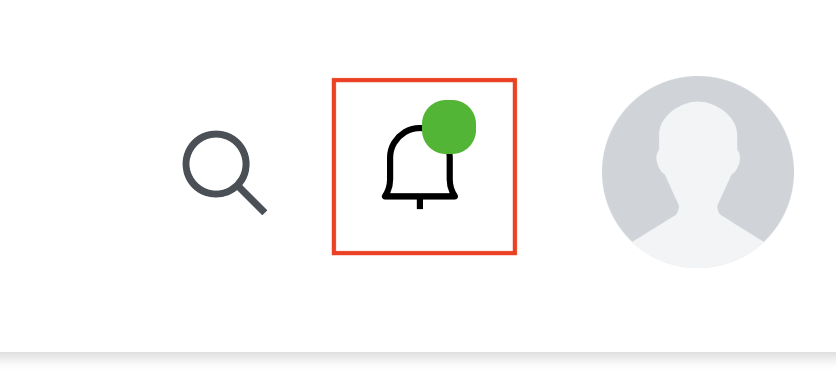
If you click on this icon, you will see the notification center. From here, your can check recent updates and activities.