

In the Messaging API, you can customize the sender icon and display name for each message you send
2026/03/12
Hi, I'm Horikoshi. I'm a technical writer working on the documentation for the LINE Developers site.
Although it is not widely known, the Messaging API allows you to customize the sender icon and display name for each message.
Sending messages with custom icons and display names
For example, suppose an online learning service's LINE Official Account sends a push message like this:
Then, users will receive a message that looks like this:
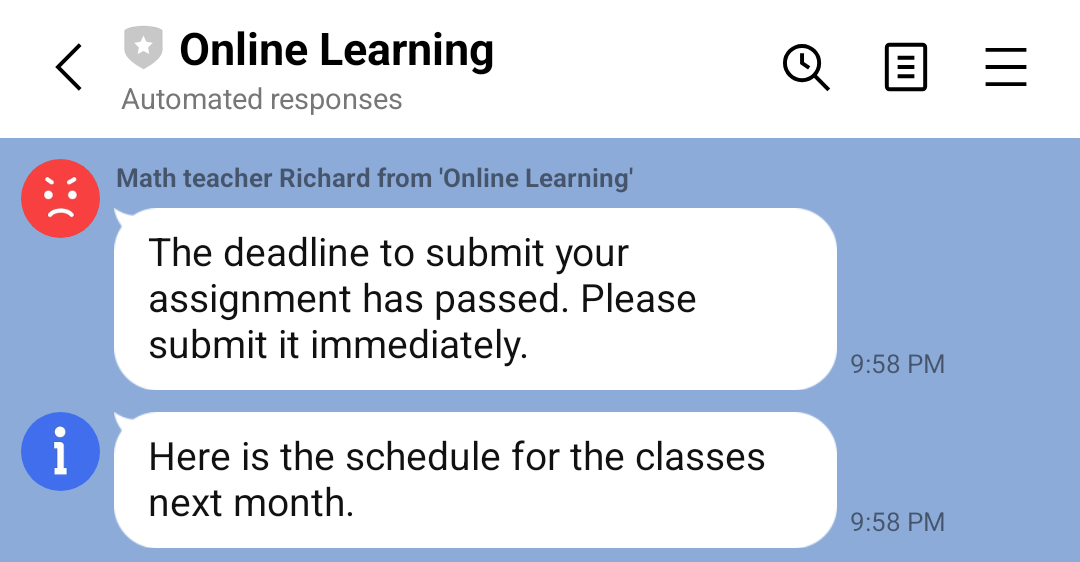
Having different icons and names makes it easy to instantly recognize the type of message.
With this feature, you can send messages about specific courses with the respective teacher's icon and name, while sending general announcements with the default icon and name. For more information, see Customize icon and display name in the Messaging API documentation.