

Show the benefits of adding your LINE Official Account as a friend with the liff.requestFriendship() template property
Hi! I’m Okajima, a technical writer in charge of documentation for the LINE Developers site.
You can use the liff.requestFriendship() method to prompt users to add a LINE Official Account as a friend in a LIFF app or LINE MINI App.
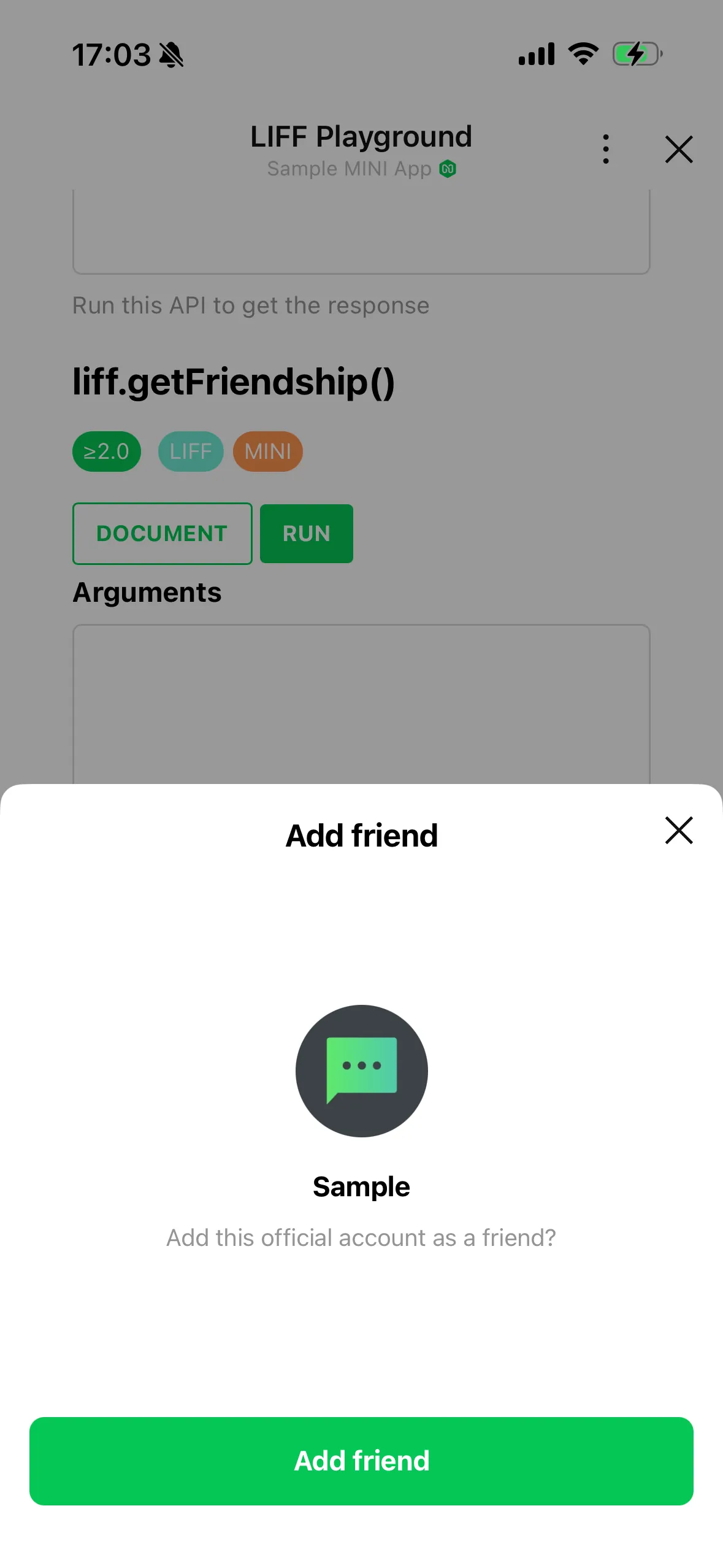
The liff.requestFriendship() method was enhanced in LIFF v2.30.0 with support for the template property. With this property, you can select a suitable template from a predefined list and display it as the message prompting users to add the account as a friend.
For example, if you specify coupon in the template.id property, the message "Get coupons and special offers from this official account." is displayed instead of the default message "Add this official account as a friend?".
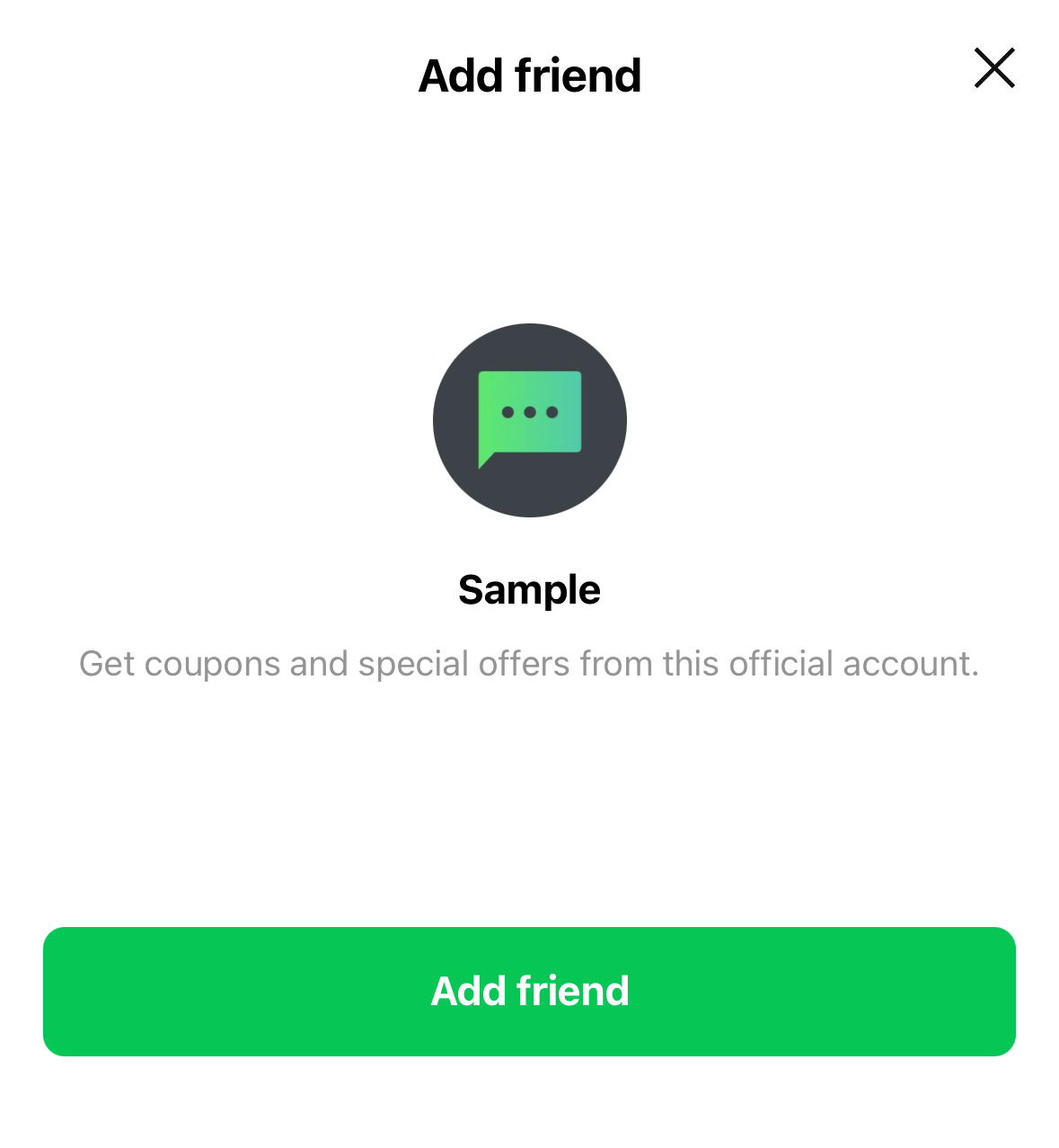
This allows you to do more than simply prompt users to add the account as a friend—you can also explain the benefits they'll receive afterward. This information can help users who are unsure decide whether to add the account, making them more likely to do so.
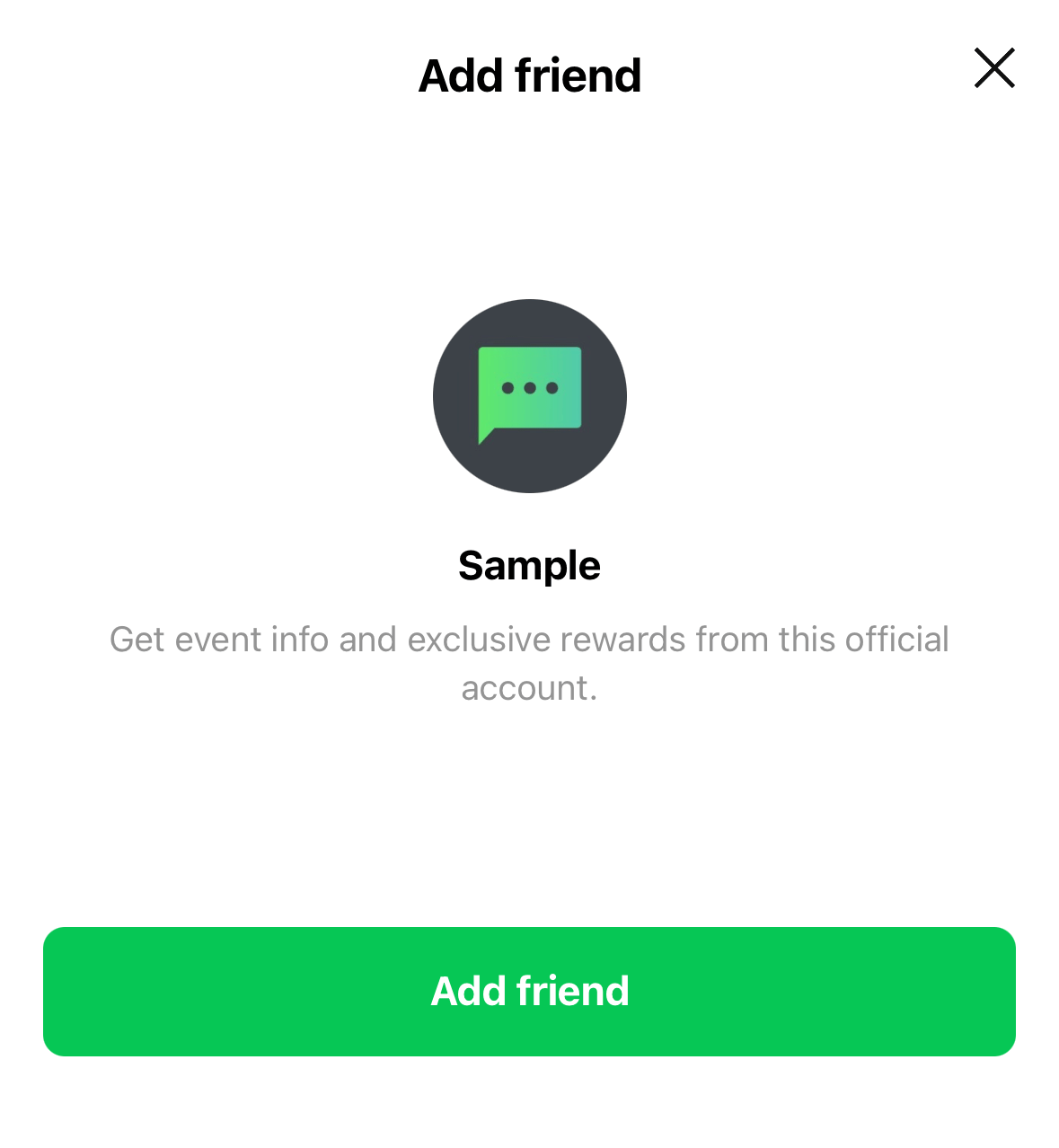
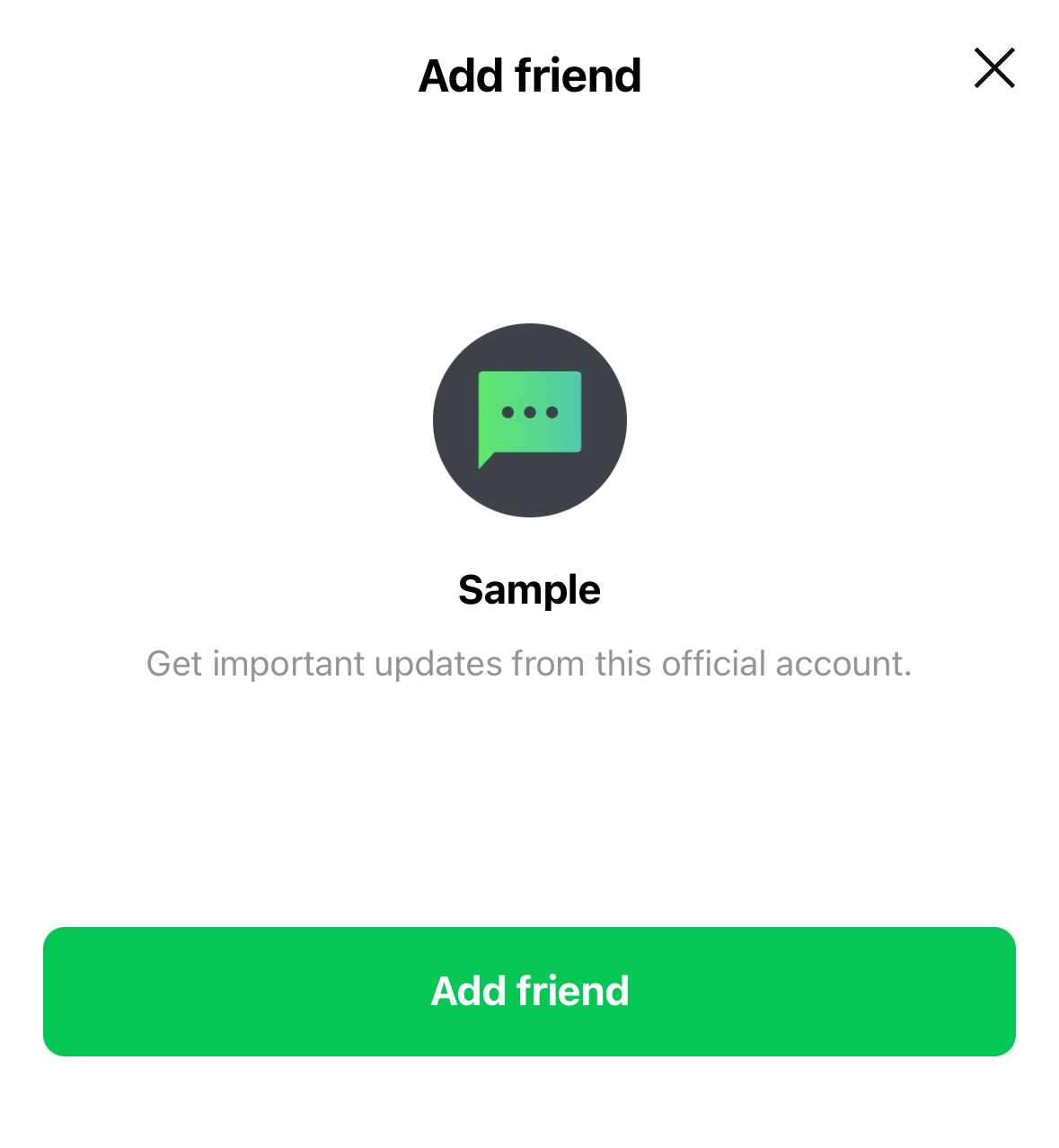
There are 15 templates, including "Coupons", "Events and rewards", and "Important announcements". You can choose the one that most closely matches the experience users will gain by adding the account as a friend. For more information, see Template in the LIFF API reference.
Wrap-up
With the template property of the liff.requestFriendship() method, you can not only prompt users to add an account as a friend but also explain the benefits they'll receive afterward.
Find a template that suits your service and use it to design a user flow that encourages users to add your LINE Official Account as a friend.
For more information about the liff.requestFriendship() method, see liff.requestFriendship() in the LIFF API reference.