

Let's check out the latest news from the LINE Developers site
"Wait, when was this feature added?"
Have you ever felt that way? The LINE Platform is updated daily, but when you're busy, it can be hard to keep up with the latest information.
So this time, we'll introduce how to catch up on the latest information about the LINE Developers site.
- Take a look at the homepage
- Get news via the LINE Official Account
- Receive notifications in the notification center or by email
- Check LINE API Status for incident information (Bonus)
- Wrap-up
Take a look at the homepage
First, let's take a look at the LINE Developers site homepage. Have you noticed that a green dot sometimes appears at the top right of News in the header menu?
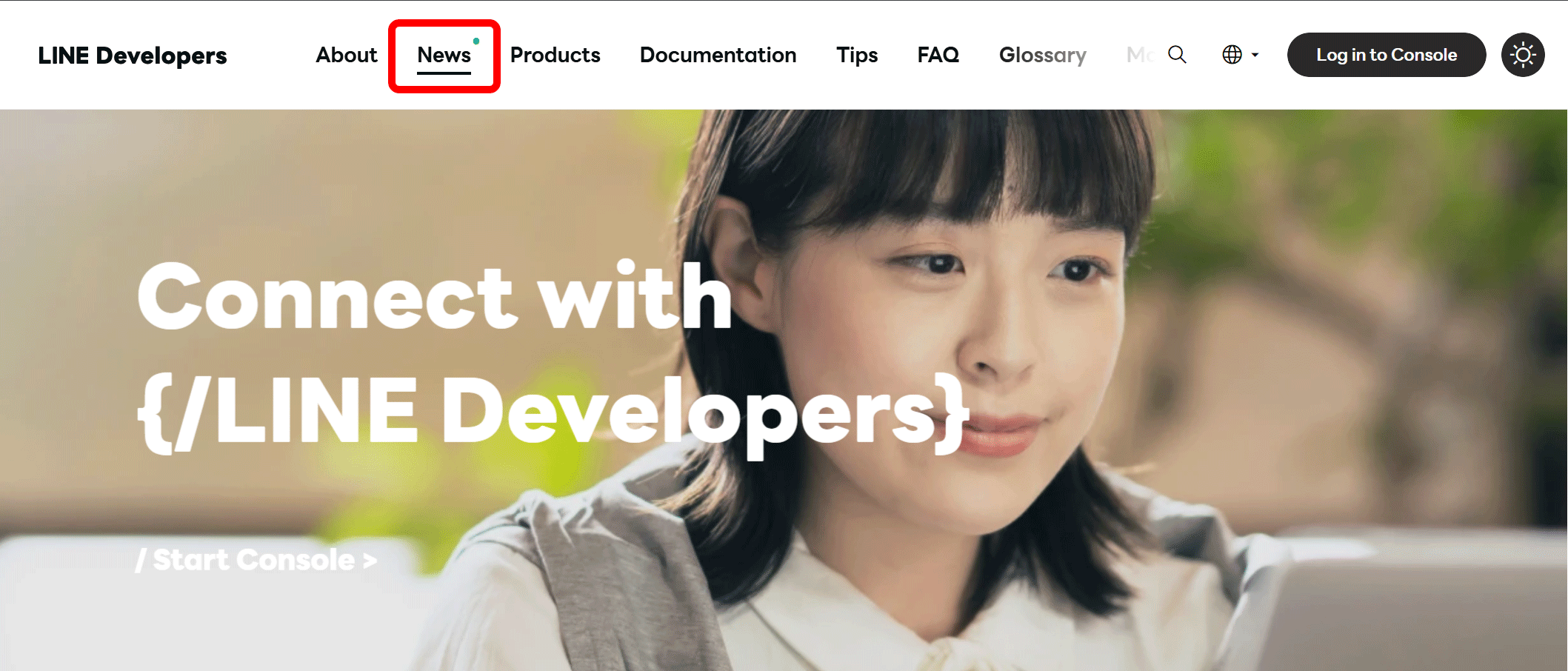
This dot indicates that there are unread articles among the latest 8 posts on the News page. Once you open all unread articles, the dot in the header menu will disappear.
If you scroll down the homepage, you'll find the "News" and "Tips for Developers" sections.
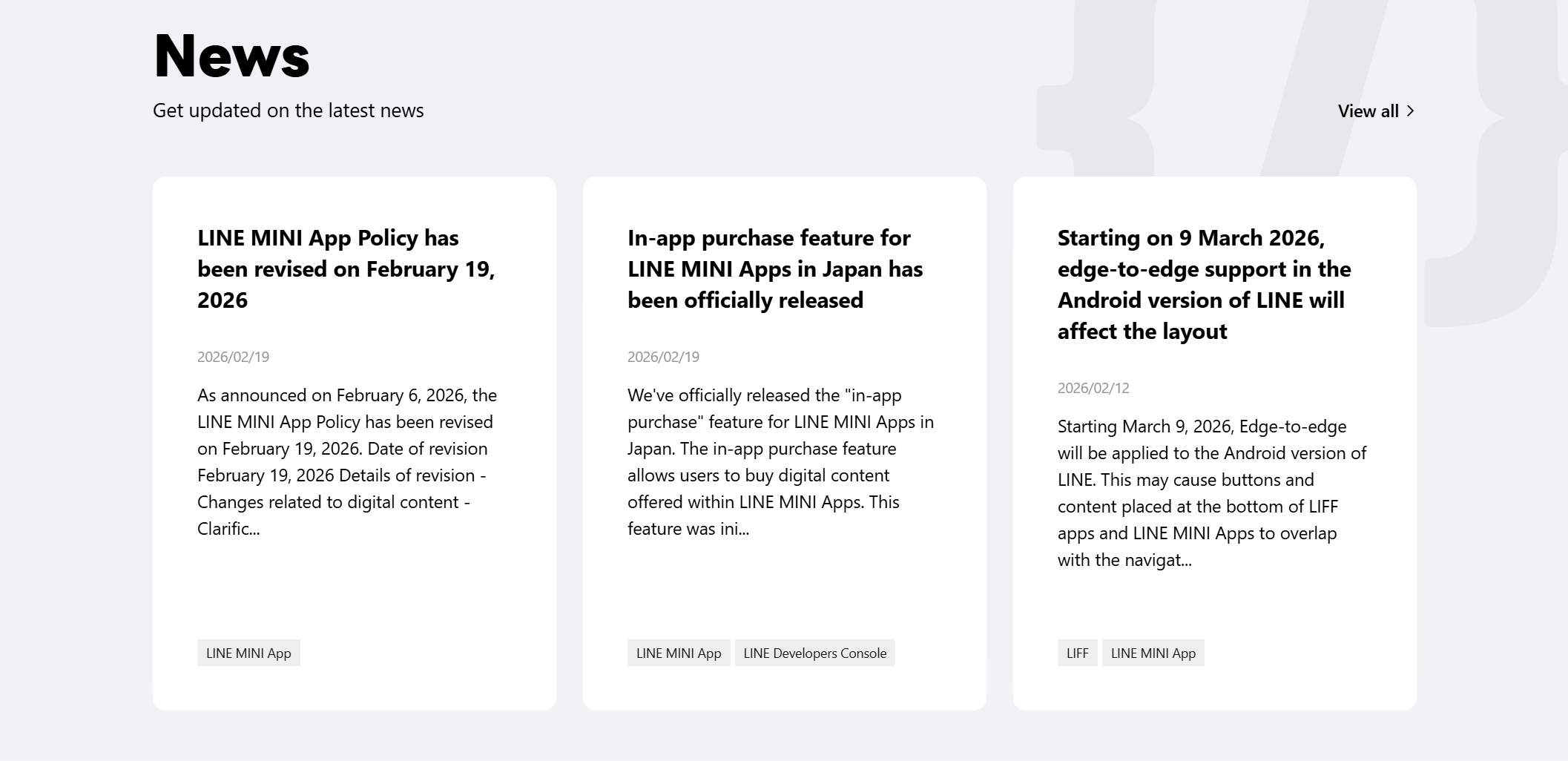
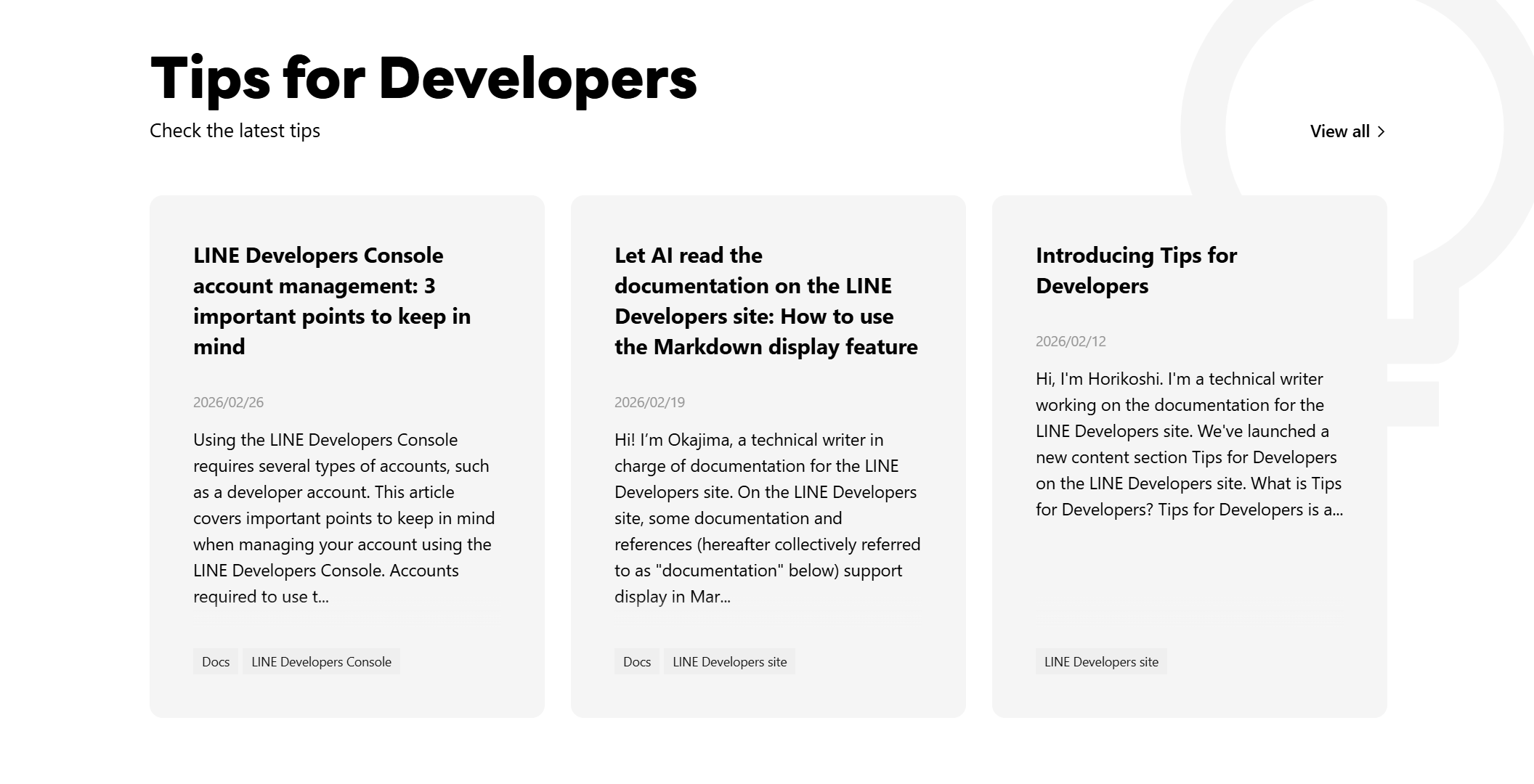
In both sections, the titles and excerpts of the three latest articles are displayed. This allows you to quickly see at a glance whether there are any articles of interest without opening each page.
Please note that news related to options for corporate customers may not be posted on the regular News page. Also see Notice for corporate customers.
Get news via the LINE Official Account
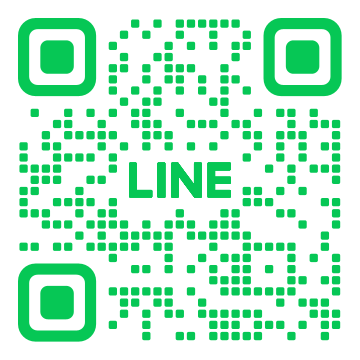
If you find it a bit difficult to visit the site regularly, we recommend the LINE Official Account of LINE Developers. When news is published, a link to the article and an excerpt will be delivered to the LINE app.
| Japanese version | English version |
|---|---|
 |  |
Receive notifications in the notification center or by email
If you log in to the LINE Developers Console and see a green dot on the bell icon in the top right corner of the screen, it means you have unread notifications. Click the icon to open the notification center, where unread titles are shown in bold. You can also receive this information by email.
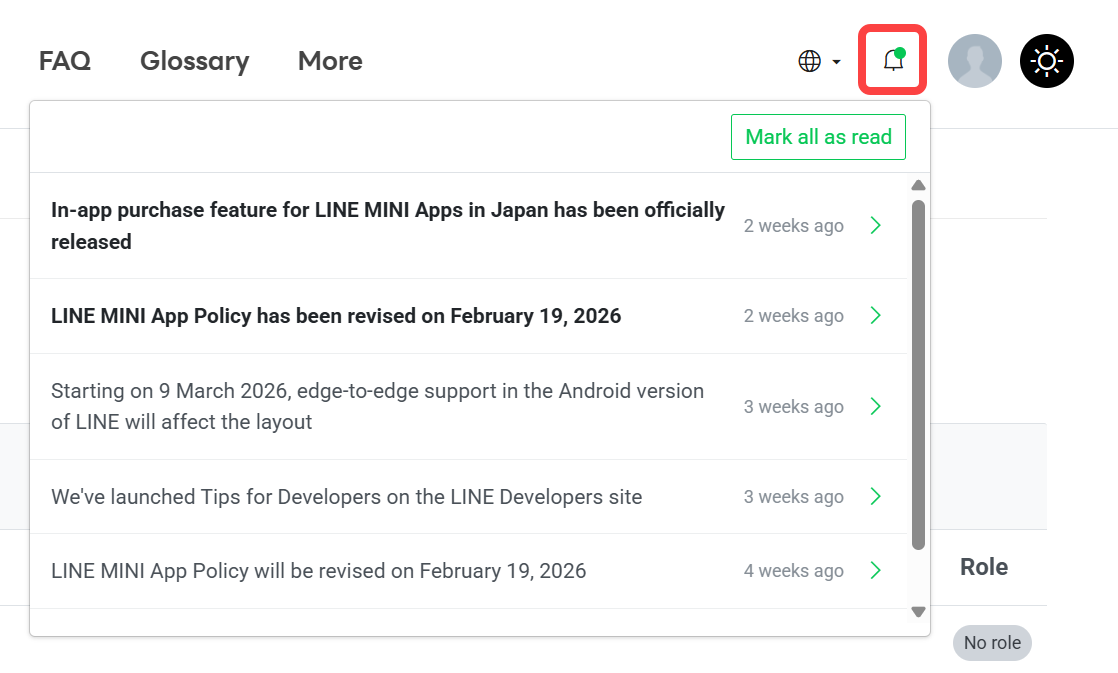
You'll receive not only news but also important announcements and information about your own activity, making this especially useful for those who use the console on a daily basis.
Users can freely configure whether to receive notifications and which types of information to receive. For more information, see Configure notification types and reception methods in the LINE Developers Console documentation.
Check LINE API Status for incident information (Bonus)
As a slight change of perspective, here's a bonus tip. If you ever think, "Something doesn't seem to be working properly", the first thing we recommend checking is LINE API Status.
LINE API Status is a website where you can check the operational status and incident status of services provided by the LINE Platform. When the LINE Platform detects an incident, information is first posted on LINE API Status. After the details of the incident become clear, more detailed information is added and published as news on the LINE Developers site. Incident status is also displayed as a pop-up on the LINE Developers site as shown below.

If an issue does not meet certain criteria, it may be announced only on LINE API Status without being posted as news on the LINE Developers site. Therefore, if you notice anything unusual while using products on the LINE Platform, please first check LINE API Status.
For more information about LINE API Status, see Check the availability of the LINE Platform (LINE API Status) in the LINE Platform basics.
Wrap-up
In this article, we introduced several ways to check the latest information about the LINE Developers site and the LINE Platform. You don't need to use all of them. Even picking just one method that suits your style can significantly reduce the chances of missing important information.
We hope you can use the latest information to achieve smoother development.